A fully-functional task management web application that enables users to organize their daily activities with integrated date tracking features. The application combines traditional to-do list functionality with a built-in date calculator, allowing users to manage tasks with due dates and calculate time spans between important dates.
Technologies Used
HTML5 – Semantic structure and form elements
CSS3 – Responsive styling and visual design
JavaScript (ES6) – Client-side logic and interactivity
Local Storage API – Data persistence across browser sessions
Key Features
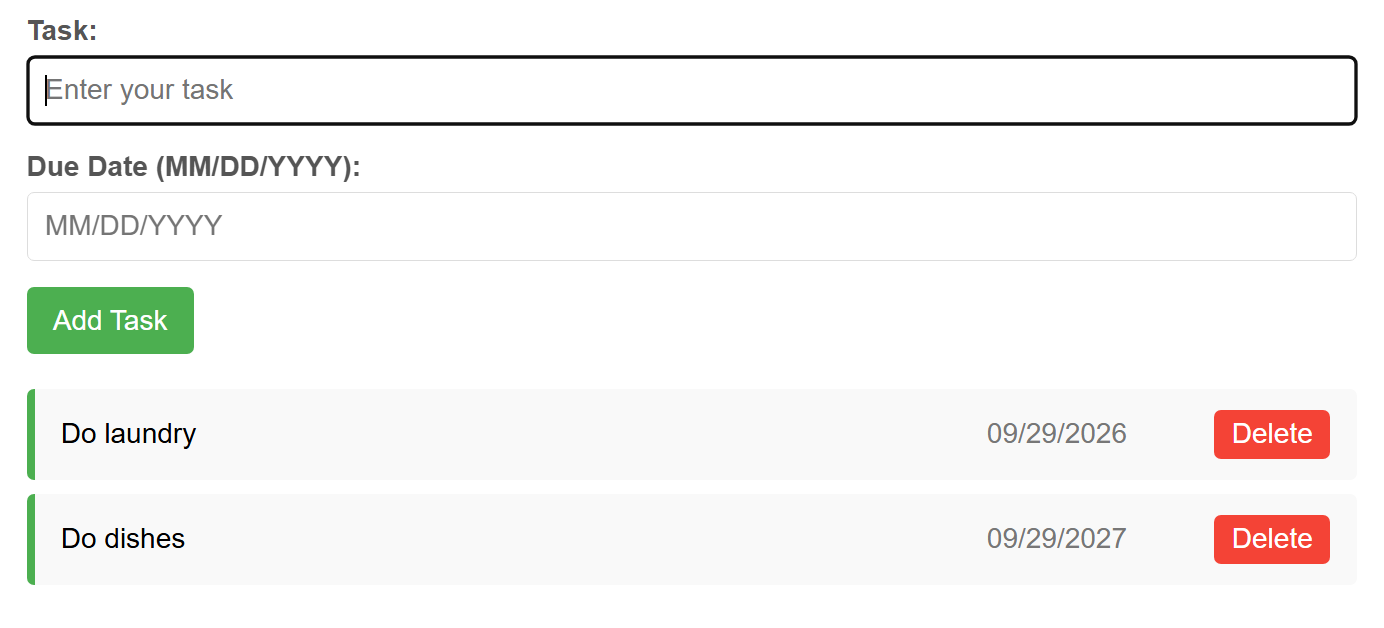
Task Management System: Create, display, and delete tasks with an intuitive interface
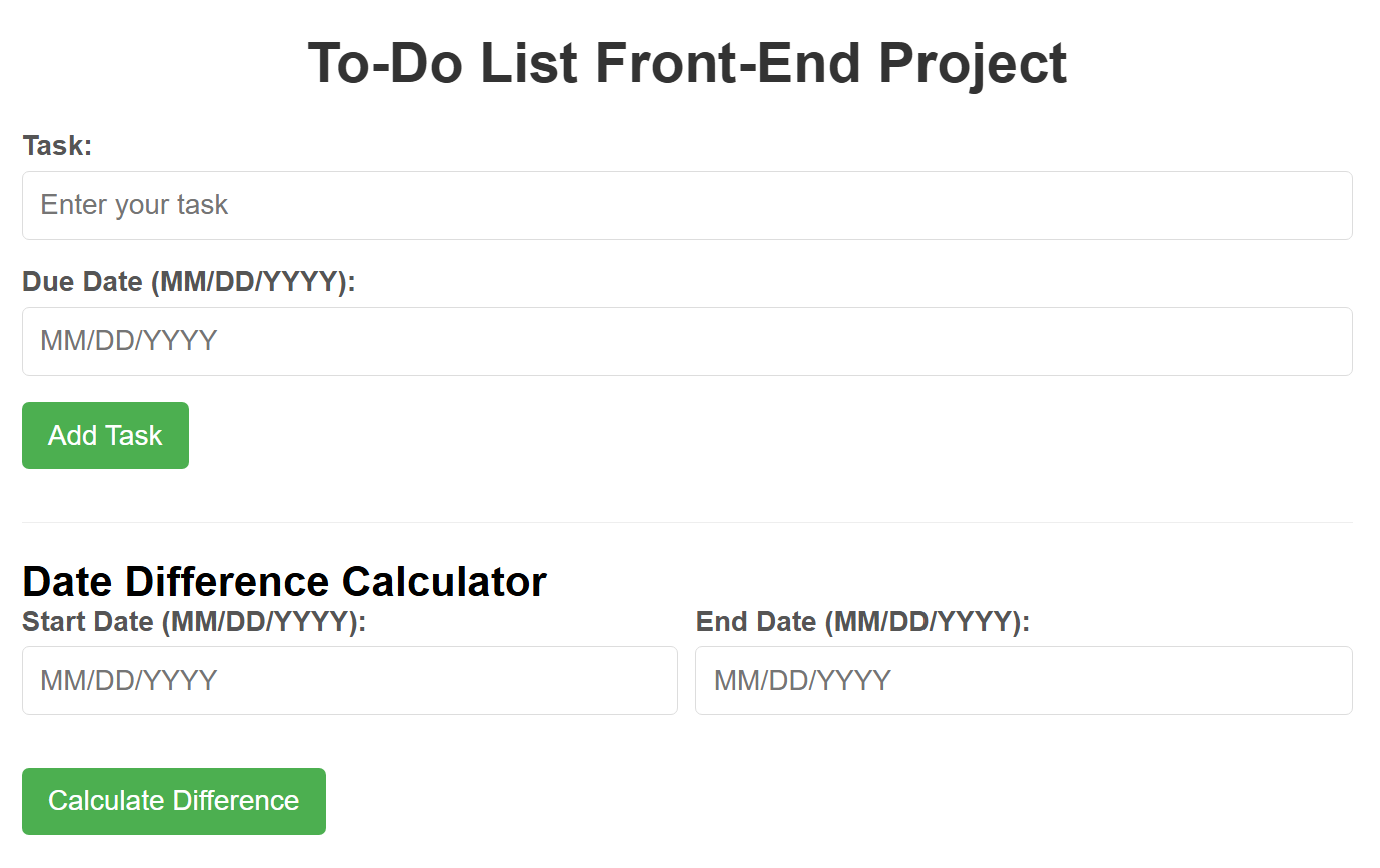
Due Date Integration: Accepts dates in MM/DD/YYYY format with comprehensive validation to ensure data integrity
Date Format Validation: Custom regex pattern matching and logical date verification (leap year handling, month-day validation)
Task Completion Tracking: Click-to-toggle completion status with visual strikethrough styling
Persistent Data Storage: Implements localStorage to save tasks between sessions, maintaining user data even after browser closure
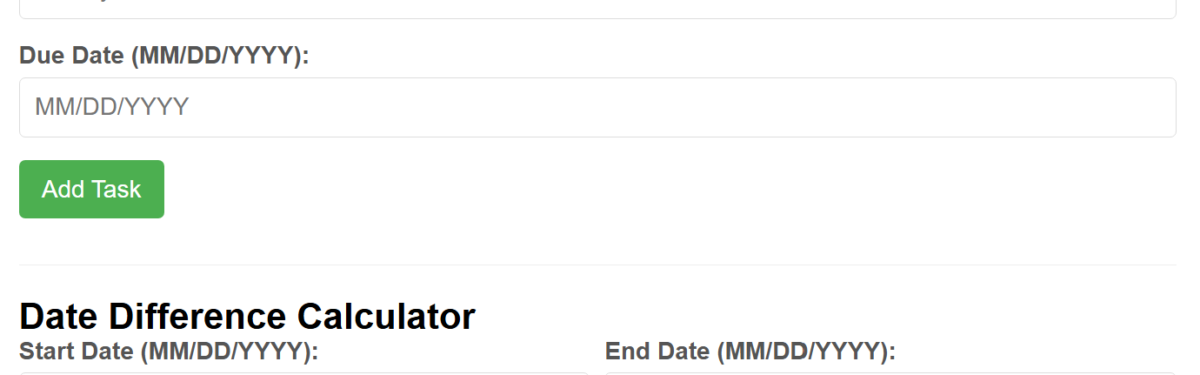
Date Difference Calculator: Standalone feature with start date and end date fields that calculates the exact number of days between two dates
Dynamic Date Parsing: Custom date parsing function that converts MM/DD/YYYY format into JavaScript Date objects for accurate calculations
Technical Highlights
Implemented comprehensive input validation using regular expressions and custom date validation logic
Utilized DOM manipulation techniques for dynamic list rendering and real-time UI updates
Applied event-driven programming with addEventListener for user interactions
Demonstrated understanding of JavaScript Date object methods and timezone considerations
Created responsive layout using Flexbox for multi-column form rows
Implemented data persistence architecture using JSON serialization for localStorage
Used unique timestamp-based IDs for task identification and management
Design Skills
Designed clean, modern interface with card-based layout and subtle shadow effects
Applied color-coded visual feedback (green accent for active tasks, red for delete actions)
Created accessible forms with clear labels and placeholder text
Implemented hover states and transitions for enhanced user experience
Ensured mobile-responsive design with flexible layouts
Problem-Solving Approach
Addressed the challenge of date validation by creating a custom validator that checks format, range, and logical validity
Solved data persistence requirements by implementing localStorage with JSON parsing
Handled edge cases including leap years, invalid dates, and date comparison logic
Created reusable functions for date formatting, validation, and calculation
Skills Demonstrated: JavaScript, HTML5, CSS3, DOM Manipulation, Data Validation, Local Storage, Responsive Design, Date/Time Programming, UI/UX Design